Seedance 2.0 AI Video Generator
Create cinematic AI video with Seedance 2.0 — now available on Artflo. Built for designers, video creators, and creative teams who need more than a looping clip, Seedance 2.0 turns text, images, and video references into short-form sequences with real camera movement, multi-shot storytelling, and native sound. Direct pans, push-ins, and establishing shots in natural language. Keep characters and scenes coherent across cuts. Generate marketing spots, storyboards, product motion, and social content without leaving Artflo’s infinite canvas workflow. Stop stitching silent fragments. Start directing cinematic AI video with Seedance 2.0.
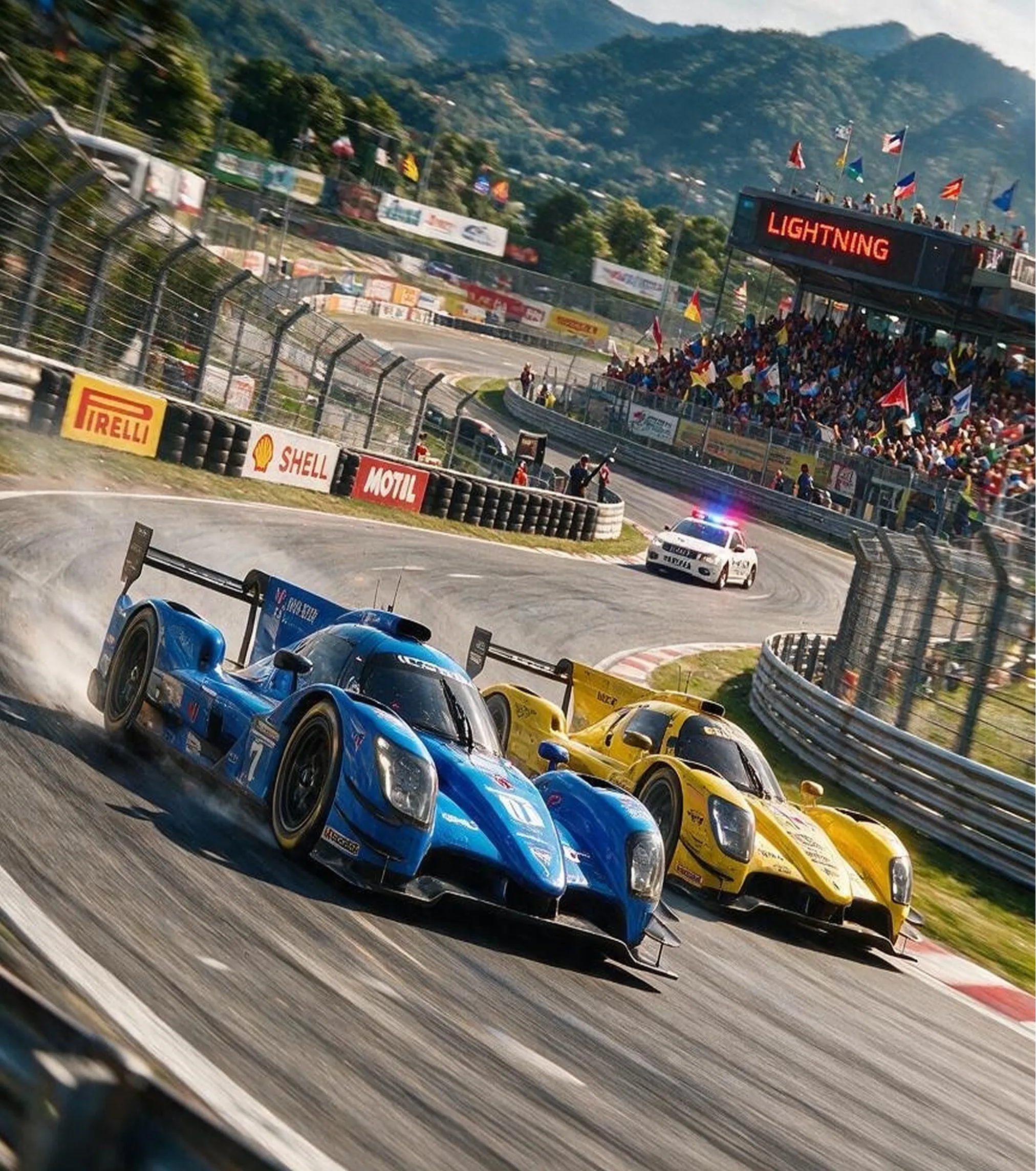
Seedance 2.0 AI Video Generator
Input Your Scene & References
In Artflo, drag out an Input Node and write a text-to-video prompt for the shot you want. To keep a product, character, or style consistent, add image or video references and run Seedance 2.0 as image-to-video.
Generate
Create a Video Node on the canvas, select Seedance 2.0 from the model dropdown, set the duration and aspect ratio, then hit Run. Seedance 2.0 generates motion, camera movement, and native sound in one pass.
Download or Continue
Preview the clip on the infinite canvas. Download it when ready, or connect the output to another node to upscale, edit, or share it with teammates.
Real Camera Control for Cinematic Motion
Seedance 2.0 responds to director-style camera language. Call for a dolly-in, orbit, whip pan, or locked wide establishing shot and the model builds motion that feels intentional instead of producing a random zoom.
Multi-Shot Storytelling in One Generation
Move beyond single-loop clips. Seedance 2.0 sequences wide, medium, and close-up beats in one generation while keeping characters and environments coherent across cuts.
Native Sound for Ready-to-Watch Clips
Generate AI video with ambient beds, action cues, and dialogue-ready timing built in, so drafts feel watchable on the first export and remain ready for dedicated music or voice passes later.
Text-to-Video & Image-to-Video in One Workflow
Start from a prompt, a keyframe, or a reference clip. Seedance 2.0 handles text-to-video and image-to-video inside Artflo’s Visual Node Architecture, keeping brand style, character identity, and scene intent aligned.
How Creators Love Seedance 2.0
The camera control in Seedance 2.0 finally feels intentional. I can write “slow push-in, then cut to a product close-up” and get a cinematic AI video that looks directed — not like a random morph. Generating inside Artflo’s canvas keeps my whole workflow in one place.

I use Seedance 2.0 for text-to-video hooks and image-to-video product spots. Multi-shot storytelling plus native sound means my first draft is already close to publishable for Reels and ads. It cut a ton of silent-clip cleanup from my process.

For client storyboards and campaign variants, Seedance 2.0 on Artflo is a real accelerator. We lock style with references, generate cinematic motion with coherent characters across shots, then hand assets to editors. It’s creative automation without losing director-level control.

FAQ
Is the Seedance 2.0 AI Video Generator free to try?
Yes. Seedance 2.0 is available on Artflo. You can start generating cinematic AI video with platform credits and explore text-to-video and image-to-video workflows immediately. For high-volume generation and full commercial licenses, we offer flexible subscription plans.
Can I use Seedance 2.0 videos for commercial projects?
Commercial rights are available for subscribed users. Upgrade to a subscription plan to unlock full commercial licenses for client work, marketing materials, and monetization. Check Artflo Pricing for the latest plan details.
Does Seedance 2.0 support text-to-video and image-to-video?
Yes. You can generate from text prompts alone or upload images and references to guide identity, style, and composition, then animate them with Seedance 2.0’s cinematic camera motion inside Artflo.
What makes Seedance 2.0 different from other AI video generators?
Seedance 2.0 focuses on cinematic video generation with real camera control, multi-shot storytelling, and sound-ready output. On Artflo, it sits inside a Visual Node Architecture and infinite canvas, so it works alongside other models in a full creative workflow.
Can I control camera movement in Seedance 2.0?
Yes. Describe camera moves in natural language — push-in, pan, tracking, low angle, or an establishing wide shot — and Seedance 2.0 interprets them as part of the generation.
What resolution or length can I export?
Output length and quality depend on the Seedance 2.0 settings available in Artflo’s Video Node. Generate your clip, preview it on the canvas, then download or continue with upscaling and editing nodes as needed.