Seedance 2.5 AI Video Generator
Create longer, more controllable AI video with Seedance 2.5 — now available on Artflo. Built for designers, filmmakers, and creative teams, Seedance 2.5 generates sequences up to 30 seconds from text plus a structured set of image, video, and audio references. Direct character identity, composition, camera movement, action, and sound in one multimodal workflow. Use white-model or green-screen references to guide staging and motion, write timestamped instructions for specific beats, then extend or revise selected moments without rebuilding the entire concept.
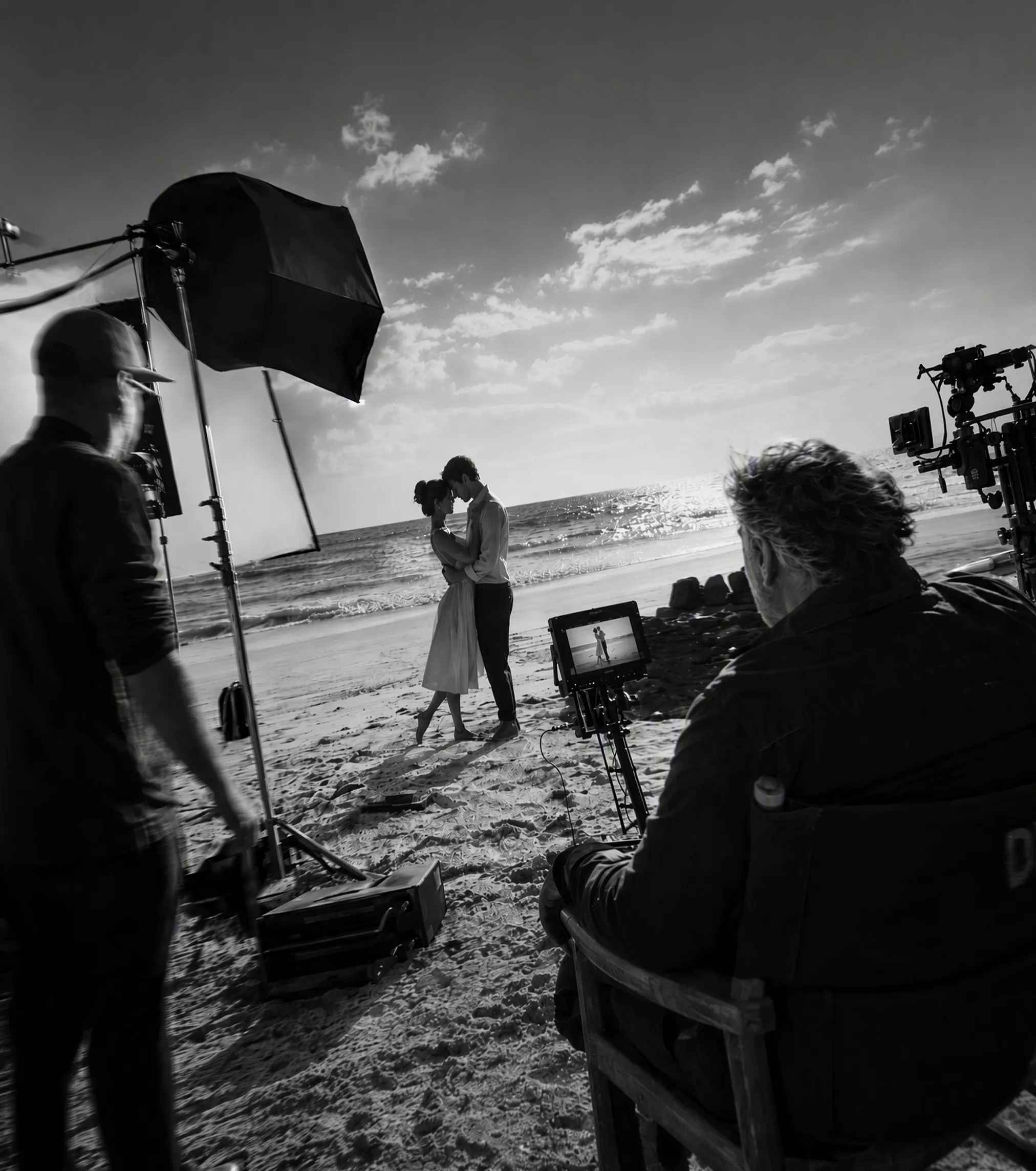
Seedance 2.5 AI Video Generator
Input Your Scene
Add an Input Node and describe the story, subject, setting, camera language, and sound you want. Connect the assets that matter: character sheets, product images, style frames, scene references, motion clips, dialogue, music, or sound effects.
Generate
Create a Video Node, select Seedance 2.5, then set the duration and aspect ratio for your format. Use natural-language direction for camera movement and action. Hit Run to generate video and synchronized sound in one pass.
Review
Preview the result and compare it with the references beside it. Continue the story with multi-round extension, adjust a specific beat with timestamped direction, or change the camera, character, background, sound, or action while preserving the parts that already work.
Up to 30s Generation
Move beyond a single visual moment. Seedance 2.5 can generate up to 30 seconds in one pass, giving a character time to enter a space, interact, move through multiple shots, and reach a clear ending. Improved continuity across people, locations, camera moves, and sound makes the model better suited to ads, short narratives, product stories, and music visuals. When the idea needs more room, multi-round extension lets you continue the sequence beyond the first clip.
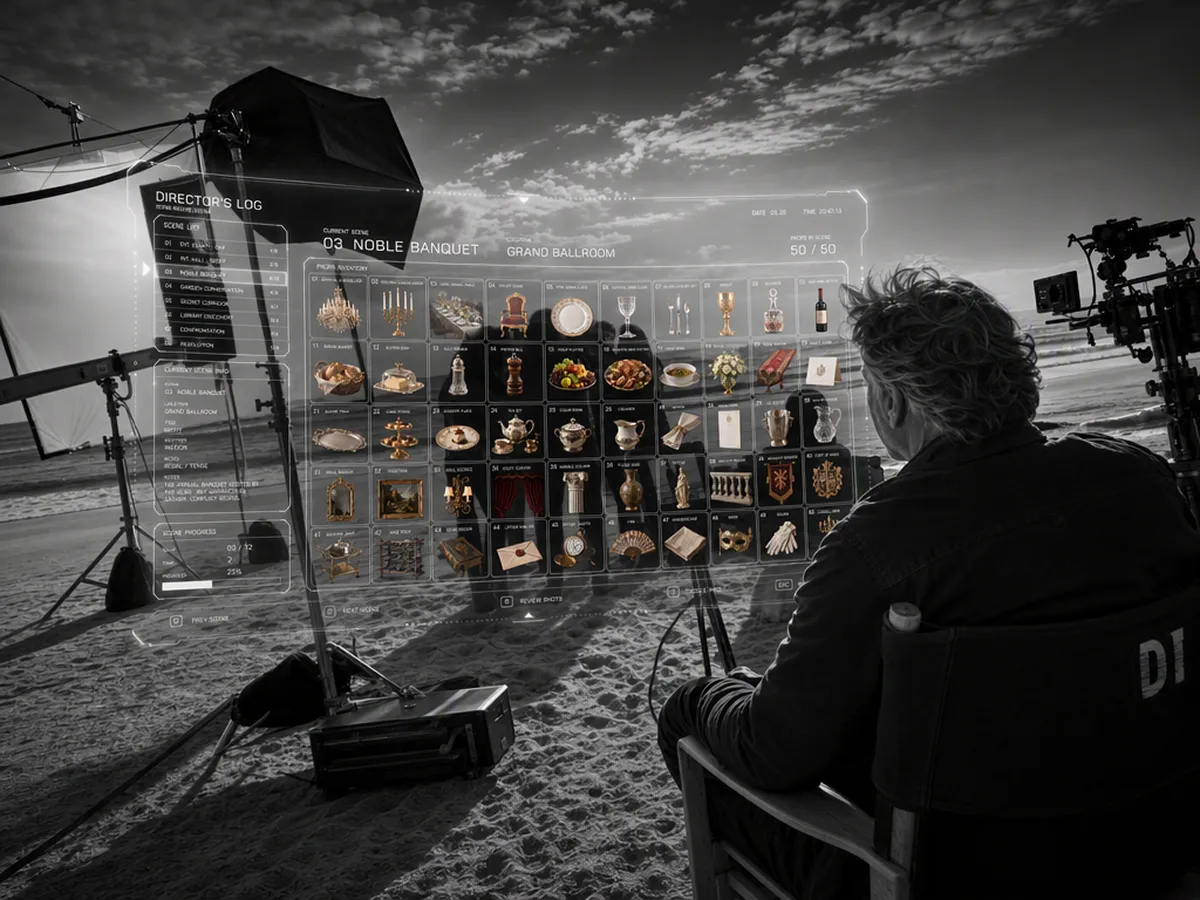
50+ Multimodal References
Build from a real creative system instead of asking one prompt to carry the entire project. Seedance 2.5 accepts up to 30 image references, 10 video references, and 10 audio references in a single generation. Use them to define different characters, products, props, locations, movements, voices, instruments, and visual styles. This reference-driven workflow helps complex scenes stay aligned with the assets your team has already approved.
White-Model & Green-Screen Direction
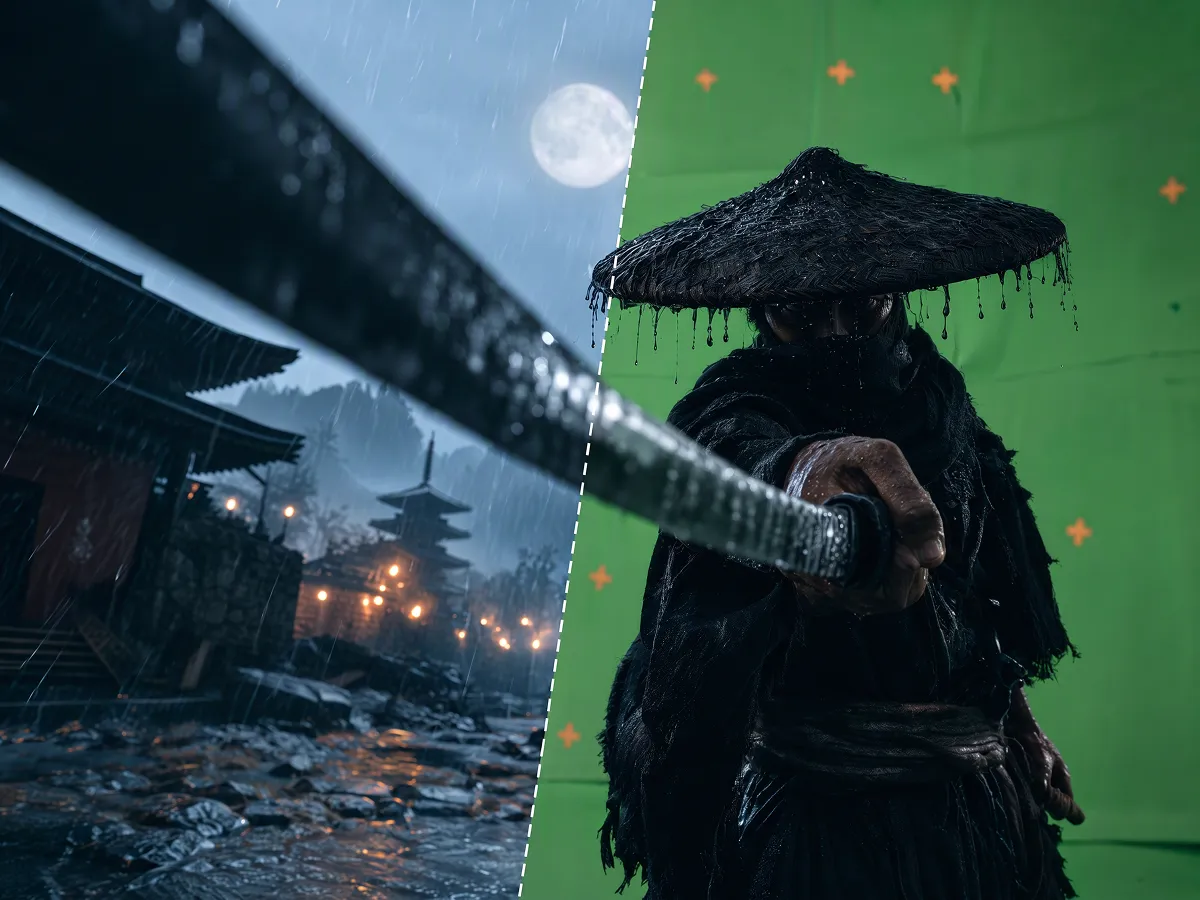
Control structure before styling. A white-model reference can establish the environment, subject positions, movement paths, assembly order, and camera route; Seedance 2.5 then applies the intended characters, materials, lighting, and atmosphere. Green-screen footage can guide human motion and timing while the model rebuilds the location, wardrobe, props, and supporting action around the subject. It is a practical path for previs, product visualization, animation, advertising, and complex blocking.
Precise Control
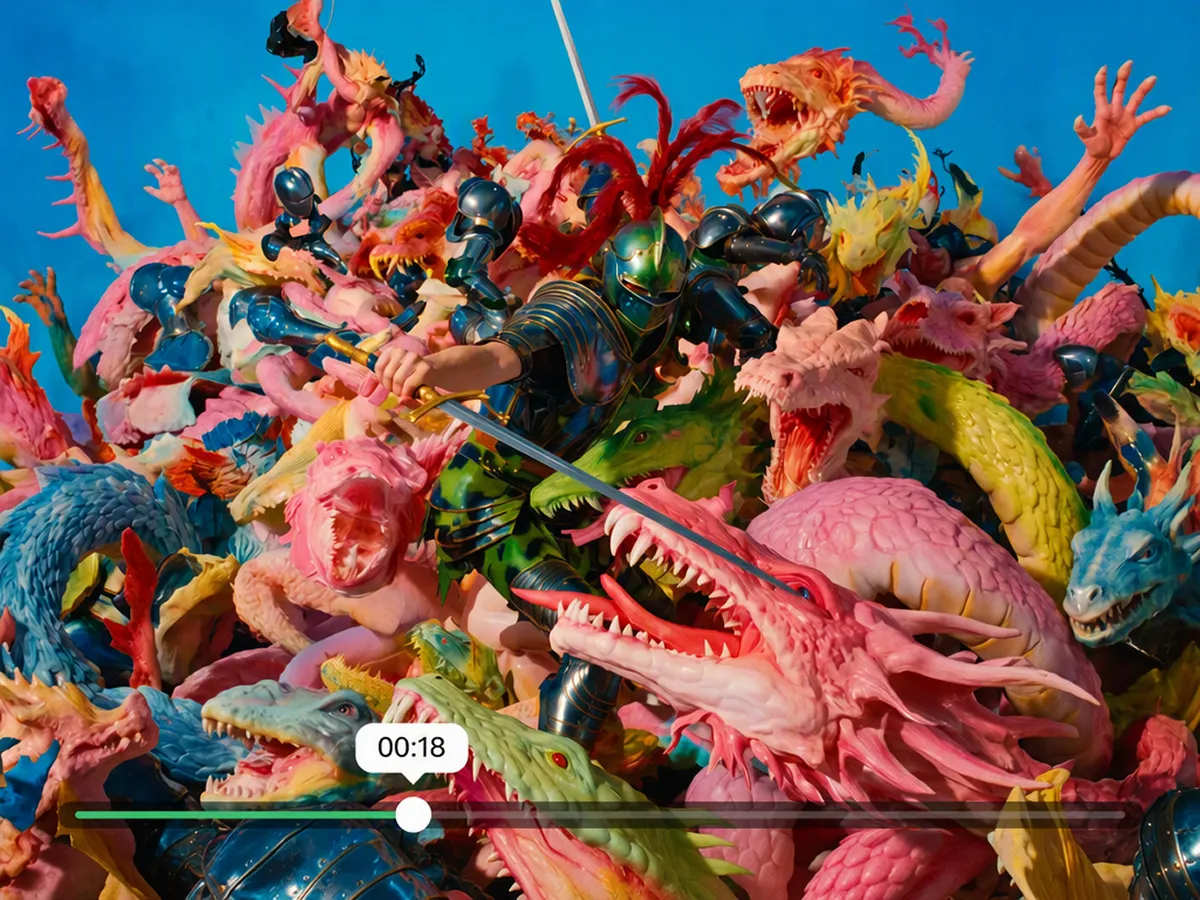
Direct what happens and when. Timestamped prompts let you assign story beats, actions, viewpoints, camera moves, dialogue, and sound cues to specific parts of the timeline. Build a 30-second sequence as a planned progression — establishing shot, action beat, close-up, and ending — instead of asking the model to improvise the whole clip from one undifferentiated prompt. This gives creators tighter control over pacing, shot order, and audiovisual synchronization.
Video Editing & Local Editing
Turn an existing clip into a new version without starting over. Seedance 2.5 can modify selected regions or time ranges — replacing a character, object, background, wardrobe, camera viewpoint, sound, or story detail — while retaining the main composition, motion, and continuity. Use local editing to fix a face, product detail, unwanted object, or brief action; use broader video editing to restage or localize a scene. Because generative edits can introduce changes outside the target, review faces, hands, products, lighting, motion, and transitions before delivery

Seedance 2.5: A Major Step Toward Production-Ready AI Video
Explore how Seedance 2.5 could transform AI video production with 30-second generation, up to 50 multimodal references, R2V motion control, local editing, and an experimental 180-second mode. This in-depth review examines what these capabilities mean for designers, artists, video creators, agencies, and ecommerce teams—and the real-world performance questions that still matter.
How Creators Use Seedance 2.5
The white-model workflow gives us a much better starting point for complex camera paths. We can lock the staging first, then use Seedance 2.5 to explore the final look without losing the structure of the shot.

Being able to keep our character sheets, location references, motion clips, and audio cues around the same generation makes review much easier. The team can see exactly what shaped each version.
Thirty seconds gives us enough room to build a real social spot instead of stitching together isolated clips. When one beat needs work, timestamped direction helps us focus the next iteration.

FAQ
Is the Seedance 2.5 AI Video Generator free to try?
Seedance 2.5 is available on Artflo and can be tried with the credits available in your account. Credit usage and plan limits are shown in the product; check Artflo Pricing for current subscription details.
What can I use as a reference in Seedance 2.5?
Seedance 2.5 supports text direction plus up to 30 images, 10 videos, and 10 audio files in one generation. References can define characters, products, environments, visual style, movement, camera paths, voices, music, and sound effects.
How long can Seedance 2.5 videos be?
A single generation can be up to 30 seconds. Multi-round extension can continue the same story beyond the first clip; review each transition for character, lighting, spatial, motion, and audio continuity as the sequence grows.
Can Seedance 2.5 generate video with sound?
Yes. Seedance 2.5 continues the unified audio-video generation approach of Seedance 2.0, allowing dialogue, music, ambience, and action sounds to be generated in sync with the visual sequence.
Can I control exact moments in the video?
Seedance 2.5 supports timestamped instructions for specific time ranges. You can define when a story beat begins, when the camera changes, how an action develops, or where a sound cue should land.
What is new in Seedance 2.5 compared with Seedance 2.0?
Seedance 2.5 raises the single-generation limit from 15 to 30 seconds, expands reference capacity to as many as 50 image, video, and audio inputs, strengthens white-model and green-screen control, adds more precise timestamp direction, and improves targeted editing and visual quality.
What resolution can I export?
Seedance 2.5 supports 1K and 2K. Please choose from the options shown in the Video Node.
Can I use Seedance 2.5 videos commercially?
Commercial use depends on your Artflo plan, the current Artflo Terms, and any model-provider-specific policy. Review the latest terms before using generated video in client, advertising, or monetized work.